Reviewed by Paul
Hewlett Packard printer repairs for Toowoomba and Darling Downs
Expert diagnosis and repair for HP LaserJet, OfficeJet and multifunction printers. On-site service, free quotes, same-day or next-day turnaround across Toowoomba and the Darling Downs.
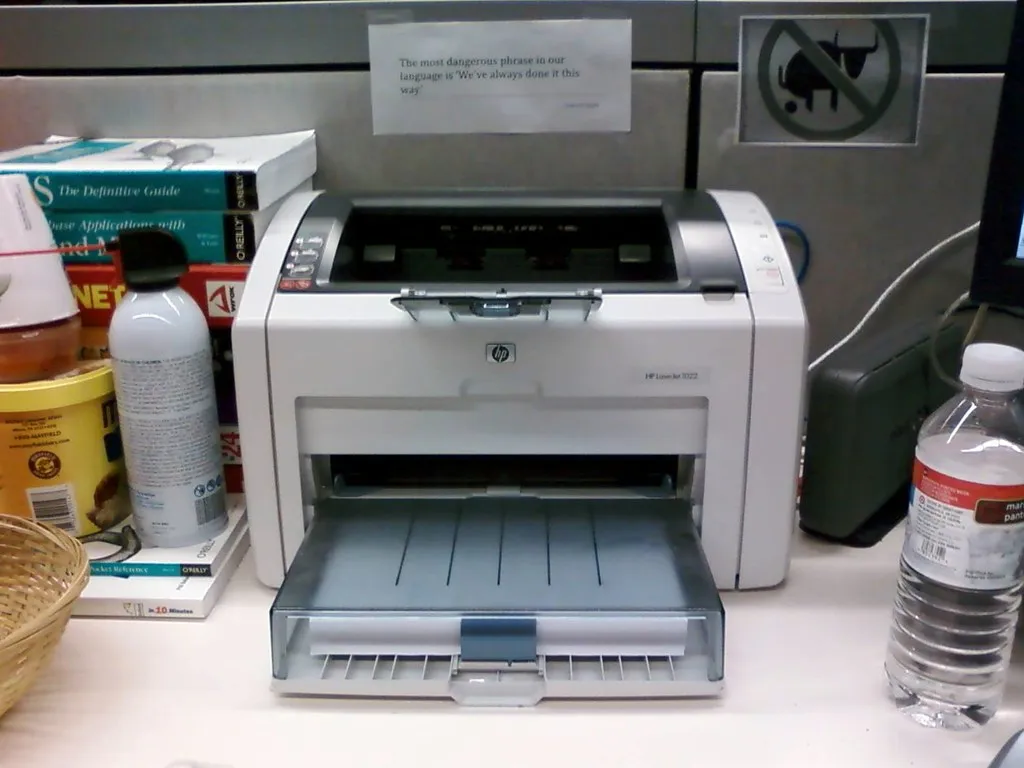
Beyond repair: what we offer Hewlett Packard printer owners
We diagnose and fix HP printer problems, supply consumables, and help troubleshoot issues.
- Printer toner supply: HP LaserJet and Color LaserJet toner cartridges. Genuine and compatible options with local delivery.
- Printer ink supply: HP OfficeJet and DeskJet ink cartridges. Order online or by phone for fast local supply.
- Printer repairs for other brands: We repair Canon, OKI and Brother printers too. Same-day or next-day on-site service.
- Printer troubleshooting guide: Stuck on a problem? We diagnose print quality issues, connectivity problems and error messages.
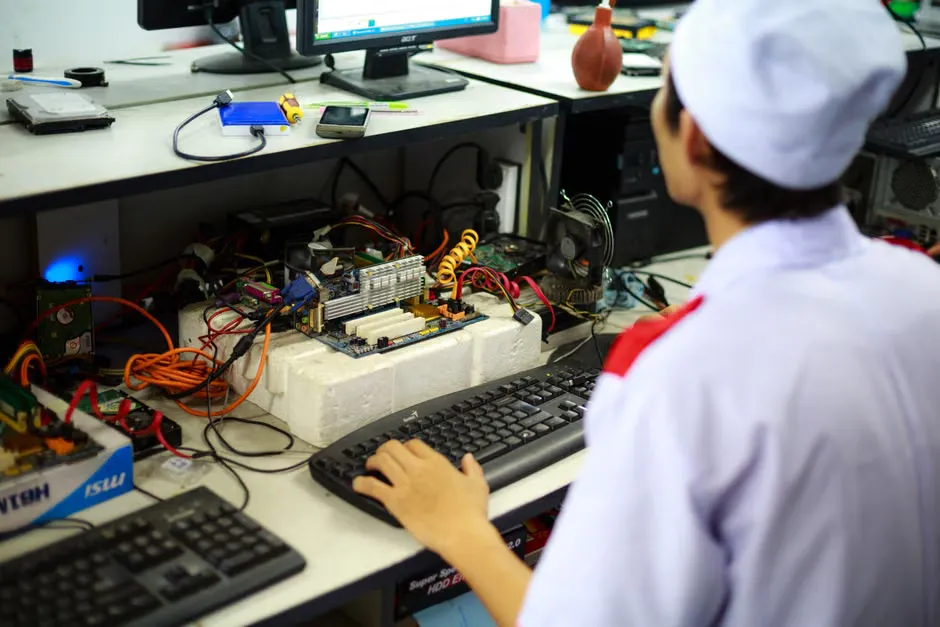
HP printer problems we diagnose and fix
Three types of HP printers, three different repair challenges. Here is what we see most often.
HP LaserJet issues
Fuser assembly failures cause the printer to stop and show error code 13.20.00. Transfer belt wear creates streaky or faded output. Paper feed jams happen when rollers need cleaning. We carry common LaserJet parts and repair most issues same-day.
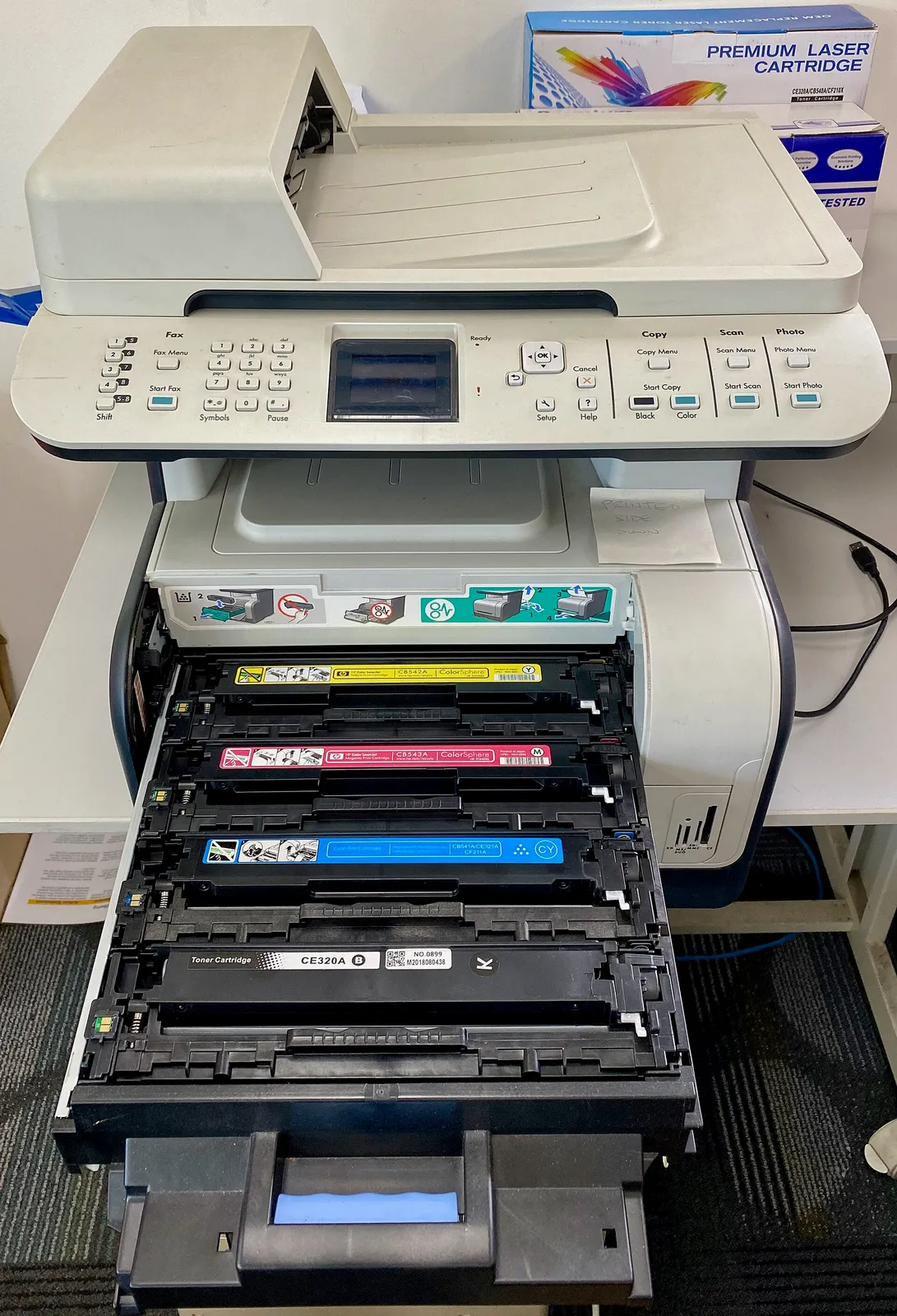

HP OfficeJet issues
Cartridge orientation errors where the ink cartridge isn't seated correctly. Network connectivity problems stopping the printer from finding your Wi-Fi. Driver conflicts after Windows updates that break communication. Many OfficeJet problems are software, not hardware.
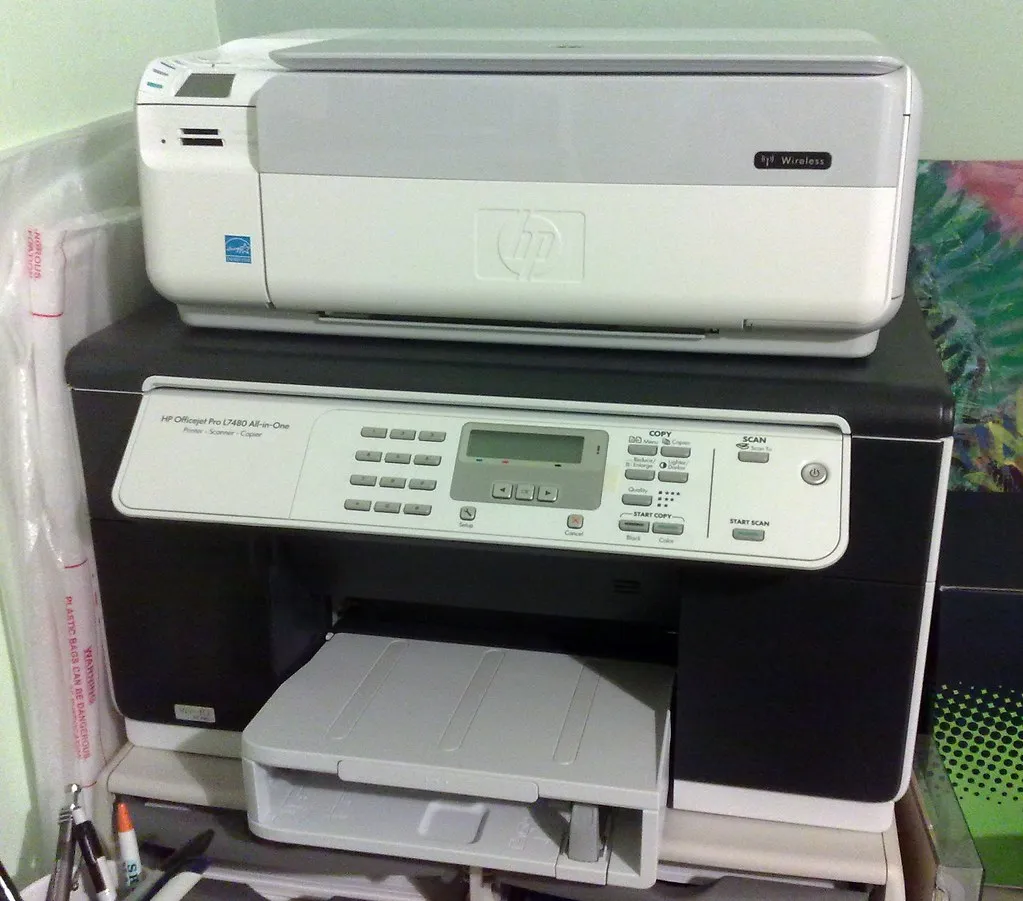
HP Multifunction issues
Scan-to-email configuration problems where scans don't reach your mailbox. Scanning errors that stop the copier function. Network and USB connection failures. Email settings that get corrupted. These machines are powerful, so there's more to go wrong.
How HP printer repair works: our step-by-step process
From call to completion, here is what happens.
Diagnosis
You call and describe the problem or error code. We ask questions to narrow down the fault. Diagnosis can be over the phone or we arrange an on-site visit. Always a free quote with no obligation.
Parts availability
Common parts for LaserJet and OfficeJet printers are in stock or arrive next-day from our couriers. Some specialist parts take longer, and we let you know upfront.
Same-day or next-day repair
We perform the repair and test thoroughly. Most fuser, transfer belt and cartridge problems are fixed same-day. Complex issues may need a follow-up visit.
Testing and handover
We test the printer on your network, run print samples, and verify scanning and email if it is a multifunction. We walk you through any changes we made.
Pick your Hewlett Packard printer model to see specific repairs
Each HP printer type needs different expertise. Find yours and see the problems we handle.
Hewlett Packard printer repair questions answered
What our customers ask most often.
Browse printer troubleshooting
Frequently Asked Questions
- How quickly can PLS Printer respond to an HP printer repair?
- We aim for same-day response in Toowoomba. For areas like Highfields, Oakey, Dalby or Warwick, we work to arrange a convenient time. Call (07) 4635 2300 to discuss your timeline and we'll let you know what we can do.
- Do you repair HP printers on-site or in a workshop?
- We offer on-site diagnosis and repair wherever possible. Most common HP LaserJet, OfficeJet and multifunction problems can be fixed at your location. Sometimes we need to take equipment to our workshop for more involved work, and we'll explain that upfront.
- Which HP printer models do you repair?
- We repair HP LaserJet Pro, Color LaserJet, OfficeJet, DeskJet and multifunction printers. We also service HP DesignJet large-format printers. If you have a model we haven't mentioned, call us and we'll let you know.
- Can you supply HP toner and ink cartridges?
- Yes. We stock HP toner for LaserJet and Color LaserJet printers, and HP ink cartridges for OfficeJet and DeskJet models. We can order compatible cartridges if you want a lower-cost option. See our toner and ink pages or call for current stock.
- Is there a call-out fee for an on-site visit?
- No. We include the diagnostic visit in the repair quote. If you decide not to proceed, there's no charge. We want you to know what's wrong and what it costs before you commit.
- What if my HP printer is old? Can you still repair it?
- We repair HP printers of most ages as long as parts are available. Older LaserJet models are particularly reliable and cost-effective to fix. We'll give you honest advice on whether repair or replacement makes sense for your situation.
Your HP printer is not working. Get it fixed today.
Free diagnosis, no call-out fee. Same-day or next-day repair service for Toowoomba and Darling Downs.
Email office@plsprinters.com.au
Monday to Friday 8:30am–5:30pm, Saturday 8:30am–12:30pm